Use the "Login with Google" button at https://library.leaf.academy/loginto access the library system. It is important to use your LEAF account (i.e. NOT your private Gmail).
You will be able to access the complete books database, what we have in our Library, search, sort and filter.
The teacher will announce a list of your classes with appropriate textbooks to be used. You can search the name with search icon (see picture):
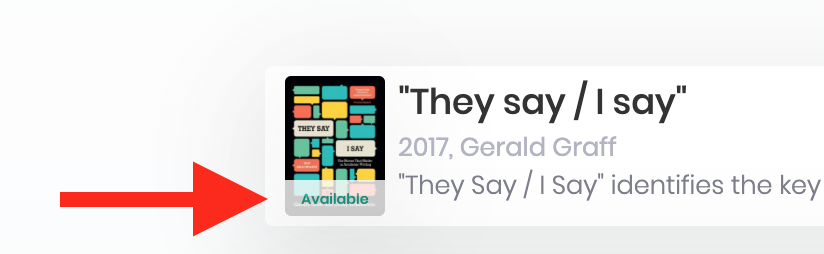
Please check if the book is available (see below the picture of the book):
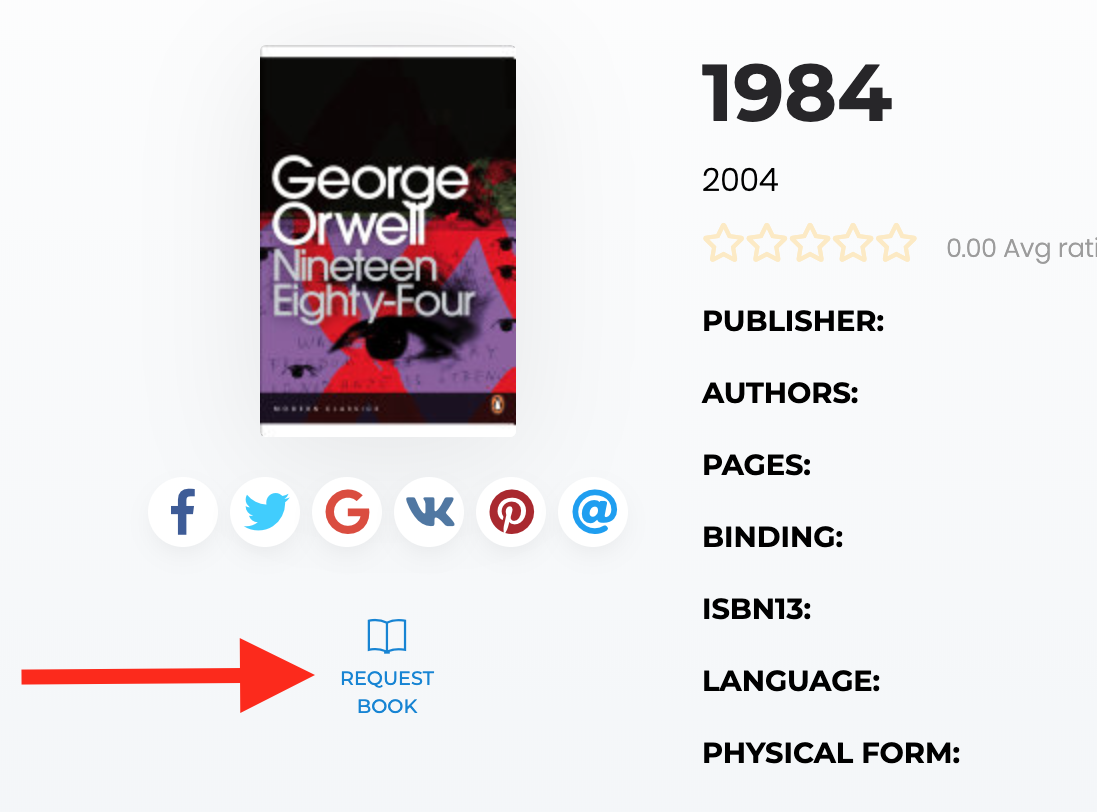
The procedure of borrowing a book has two steps - first, you need to request the chosen book (small icon under the book picture) and wait for the e-mail confirmation from the Library system.
Secondly, you are allowed to physically pick up the book in the Library (by approaching back office), where the back office member will issue the book to your name. Afterwards, you will be able to see all of your issued or requested books in your Profile (click on the persona icon within the top-right menu).
For return, you just bring the book back to the Ops team or to Returned books box at the back office, it will be changed in the system.
Operations team (front and back office) can instruct you and help to choose the books in the system Monday - Friday (9,00 - 15,00).